
Your community deserves to be discovered.
Put your WARDOGS community where players can find it by region, language and play style. Publish once, update whenever you need, and connect your servers when ready.
I want to list my server insteadCommunities already on WARDOGS Browser

![[DV] Deus Vult](https://media.wardogs-browser.com/communities/228a48ae-04e9-4e43-b187-3e8e57b49de1/banner/67835c23-161d-4c8e-a8d4-9c7b0d8f63df.webp)


How it works
-
Sign in with Discord
Create your account with Discord and return directly to the community submission form.

-
Add your community
Enter its name, regions, languages, play style, description and community links. If you have a logo and a banner, don't forget to add those too!
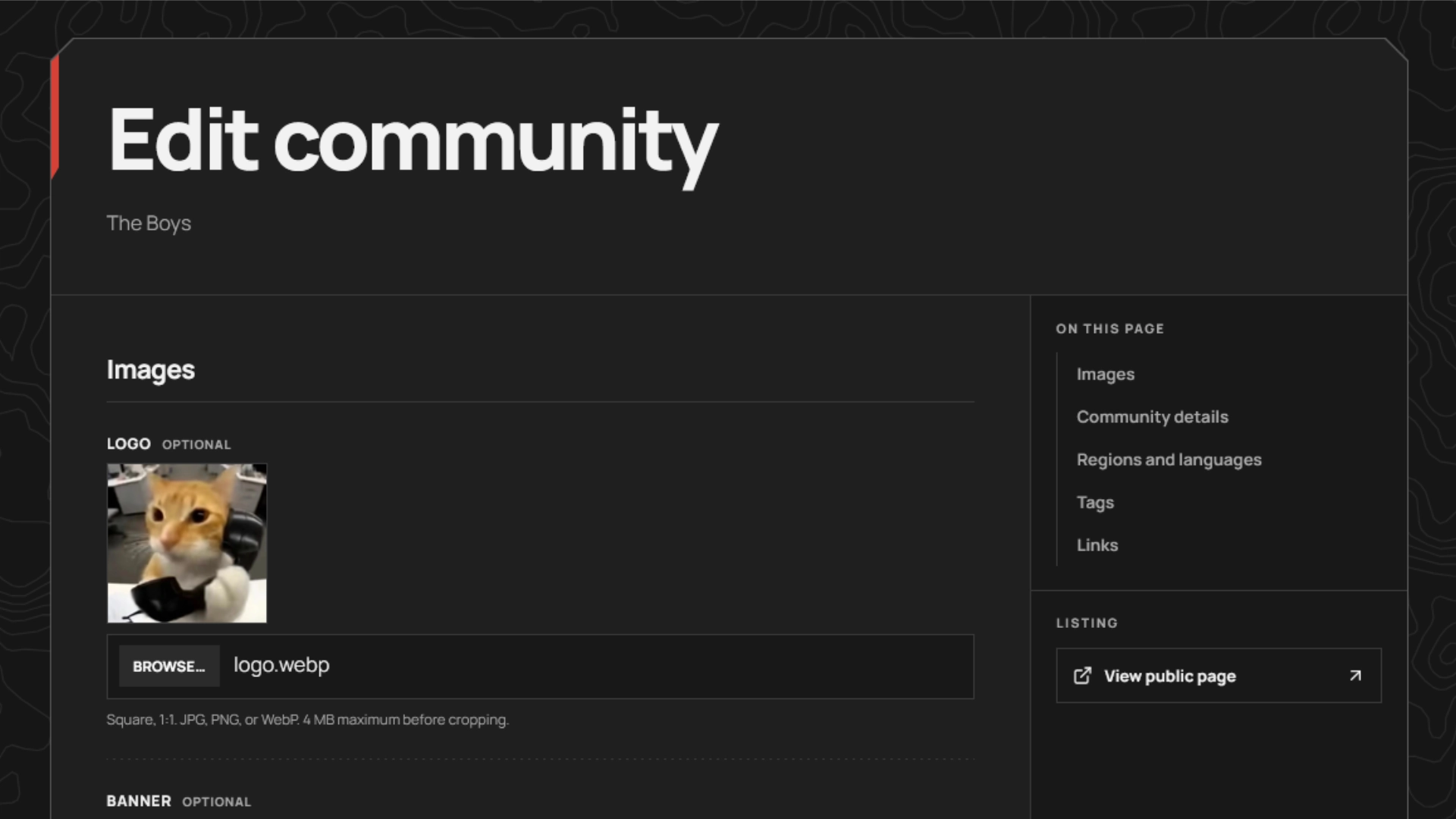
-
Publish to the directory
Your community appears where players can find it by region, language and play style.
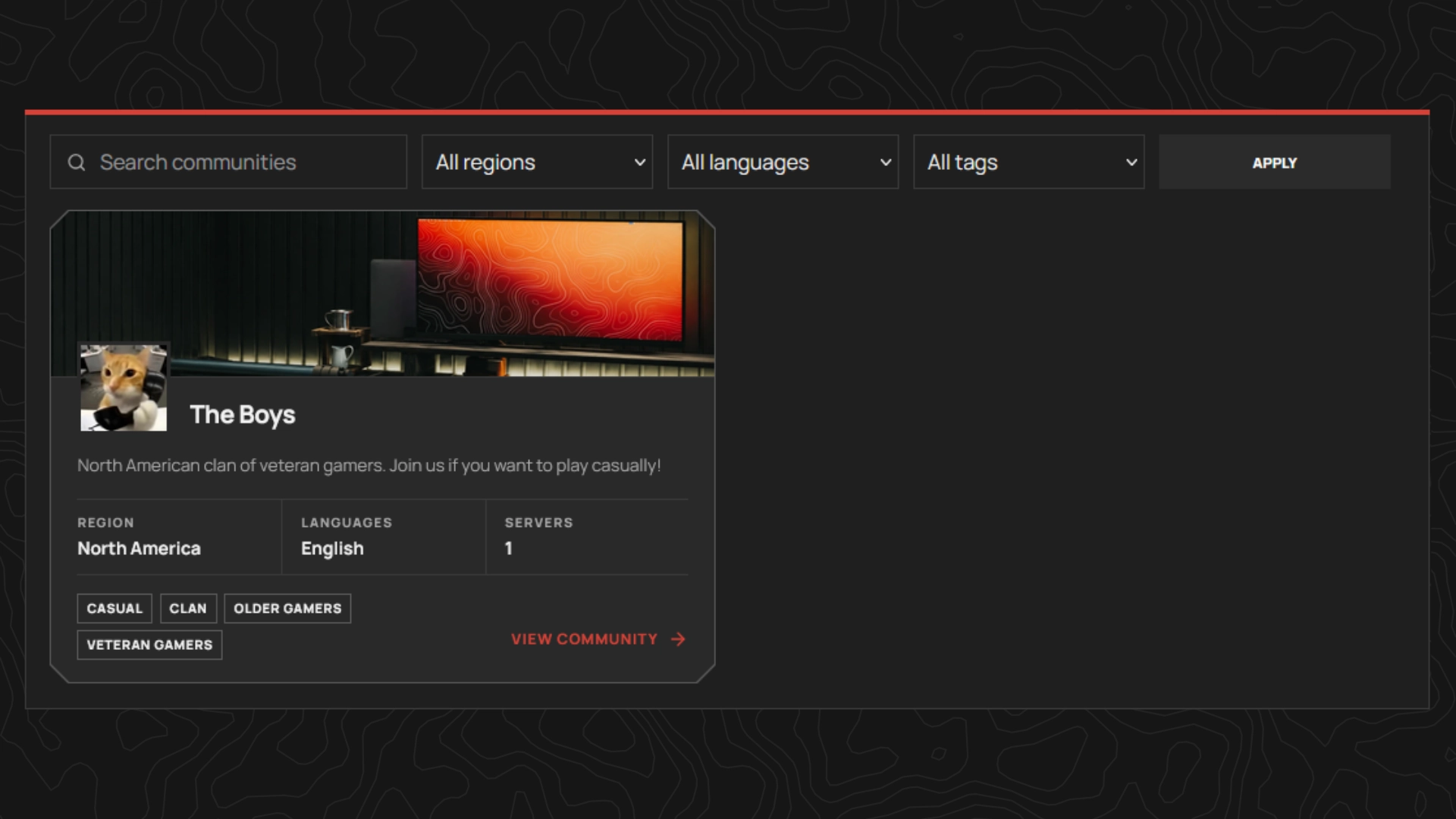
-
Share the link
Send players to a dedicated page with your identity, description, social links and servers you have explicitly connected to your community.
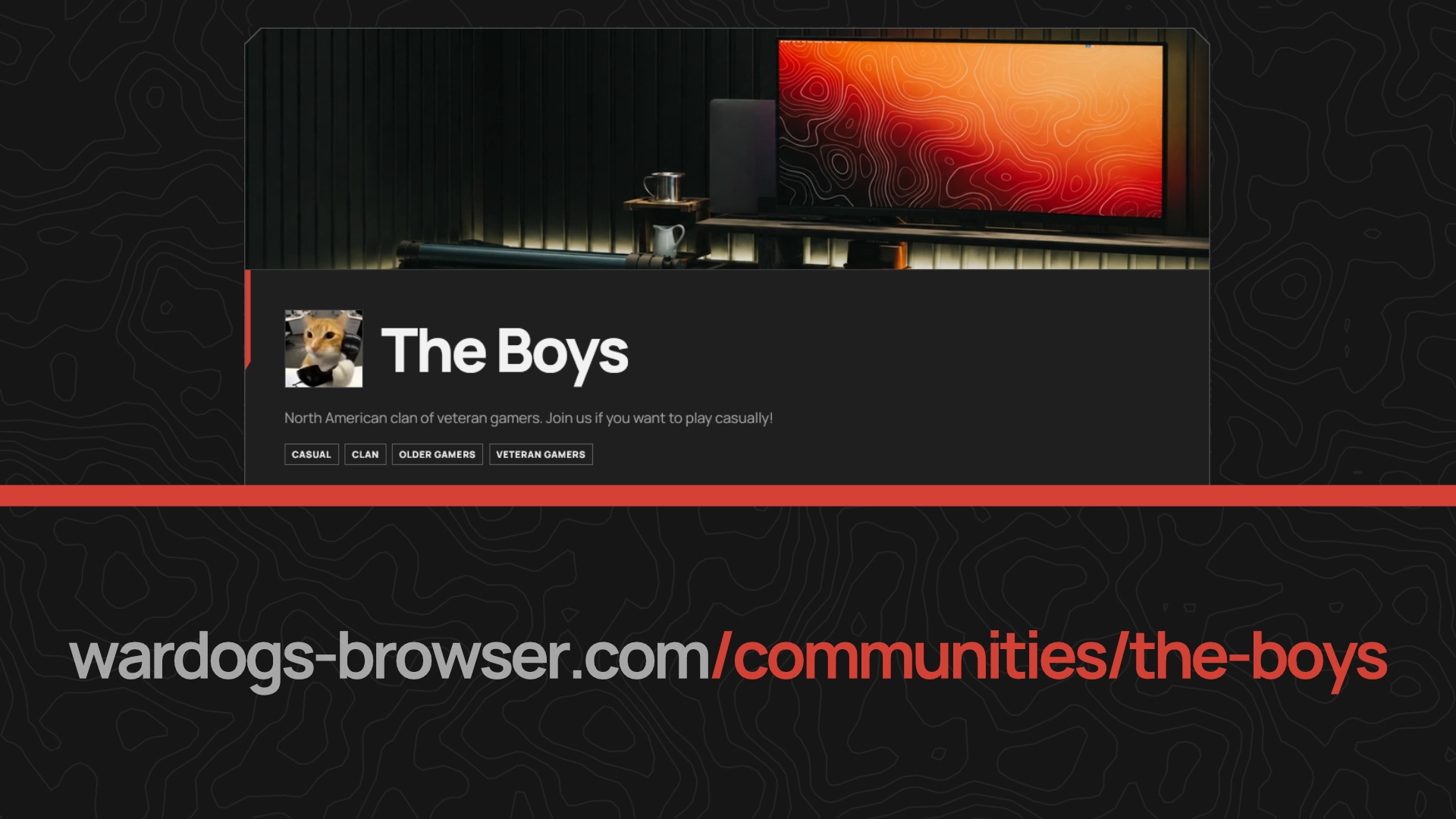
Your listing stays in your control.
Every submission is free to publish and easy to manage. Sign in with Discord to update your listing, or contact us when you need ownership support.
The important questions.
Put your community on the map.
Your members already make it worth joining. Make sure new players can find it.
List your community